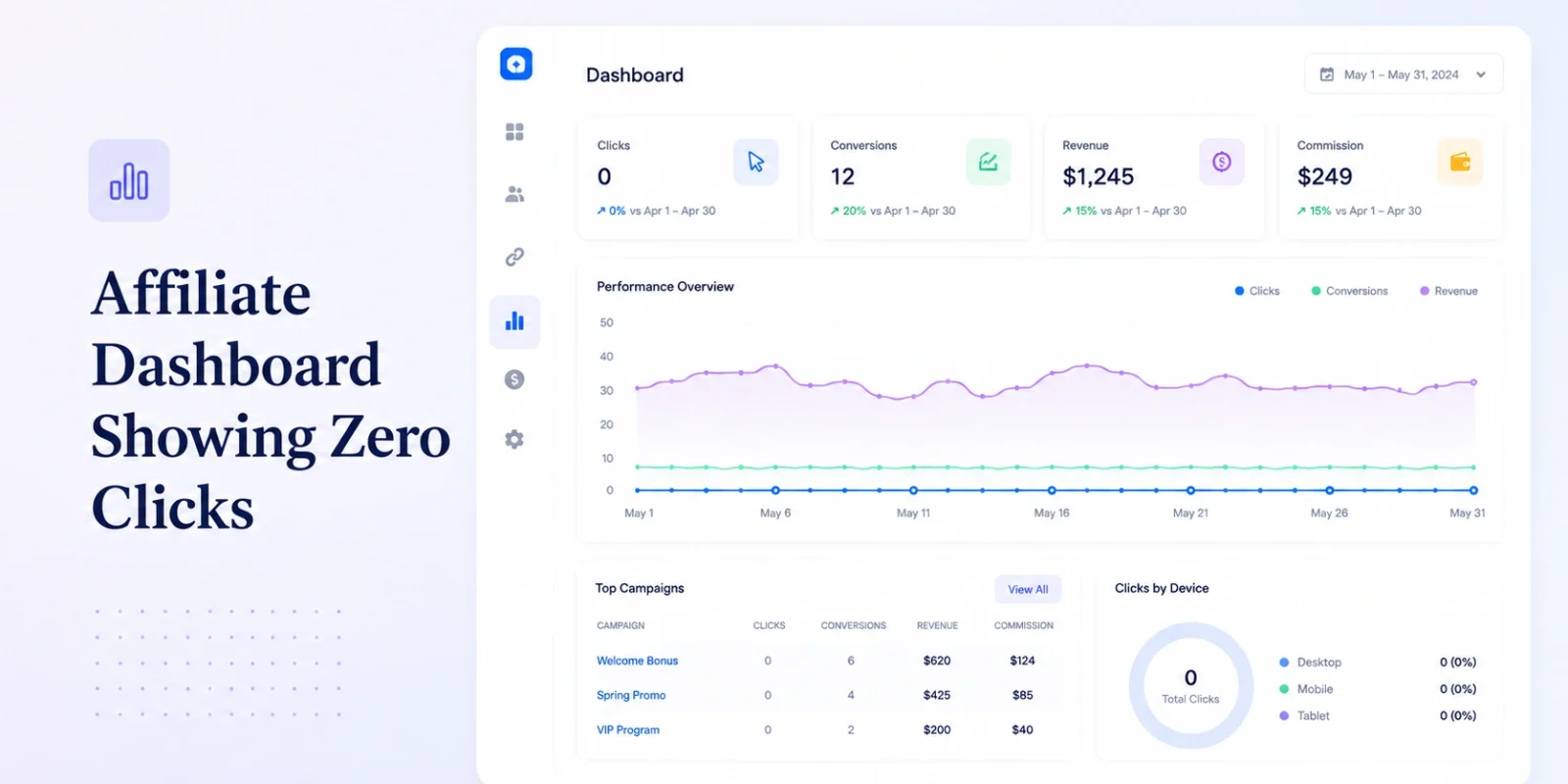
TL;DR — Zero Clicks on an Affiliate Dashboard
→ Zero clicks is not one problem. It’s five distinct failure modes wearing the same symptom, and most of them have nothing to do with your tracking infrastructure being broken.
→ The first thing to check isn’t the click, it’s the filter. A misconfigured date range or timezone offset on the dashboard itself is the single most common cause of a “broken” report that was never broken at all.
→ There’s a hard fork in this diagnosis: zero clicks recorded and clicks recorded but conversions never attribute are different failures at different layers of the stack. If you’re seeing clicks but no conversions, this is the wrong guide — go to our postback troubleshooting breakdown instead.
→ Run the five-minute self-check below before opening a support ticket. Across the operator deployments we support, the overwhelming majority of “zero click” reports resolve at the second or third step — not the sixth.
An affiliate dashboard showing zero clicks looks like an emergency. It reads like an emergency at 11 p.m., when a campaign that was supposedly live for six hours has recorded nothing. It is usually not an emergency. It is usually one of five specific, diagnosable failures — and the reason so many operators escalate straight to a support ticket is that “zero clicks” gets treated as a single mysterious bug instead of what it actually is: a symptom that maps cleanly to a small, known set of causes.
We’ve walked enough operators through this exact panic to know the pattern. The dashboard is empty. The affiliate is asking why their traffic isn’t showing. The instinct is to assume the tracking engine has failed wholesale — and it almost never has. What’s failed is somewhere upstream of the tracking engine: a campaign status, a redirect, a domain record, a browser setting. The engine is fine. It never got the click.
What Does “Zero Clicks” Actually Mean?
Every affiliate tracking system has the same basic shape: an affiliate places a tracking link, a user clicks it, the click passes through a redirect layer that logs the click and appends attribution parameters, and the user lands on the destination page. Zero clicks means that chain never completed — or that it completed somewhere the dashboard isn’t counting.
That’s an important distinction, because it’s not the same as zero conversions. A click that lands and gets logged but never turns into a registered player or a deposit is a conversion-and-attribution problem — that’s postback territory, and it’s a different diagnostic tree entirely. A click that never gets logged in the first place is a click-layer problem, and that’s what this guide covers. Conflating the two is the single biggest reason operators spend three days on a support ticket for something that takes ten minutes to isolate once you know which layer you’re actually debugging.
Check Your Filters First: Is This a Tracking Problem or a Reporting Problem?
Before touching a single tracking link, check the dashboard itself. Most affiliate platforms default a new report view to “last 24 hours” or to the account’s stored timezone — which, after a migration, a server move, or simply a new team member logging in from a different region, is not always the timezone the campaign was actually launched in. A campaign that went live at 11 p.m. UTC can show zero clicks for hours on a dashboard still filtered to a different day.
This sounds too simple to be a real cause. It is, without question, the most common one. Reset the date range to “all time,” confirm the timezone setting matches the one your team actually operates in, and check whether the zero-click condition is specific to one campaign or applies across the entire account. If every campaign shows zero, you are looking at a reporting-layer problem, not a tracking-layer one — and no amount of redirect debugging will fix a filter.
If the zero-click condition is isolated to one campaign and every other campaign is reporting clicks normally, skip ahead — the filter isn’t the cause, and the next four sections are where the actual answer lives.
Is Your Campaign Actually Live?
This is the second most common cause, and it’s the one that generates the most affiliate frustration because, from the affiliate’s perspective, nothing looks wrong. Their link resolves. Their creative is live. What they don’t see is the campaign status field sitting in your admin panel set to “pending approval,” “paused,” or — after a budget cap or a compliance flag — “archived.”
Here’s the part that catches operators off guard: a meaningful share of affiliate platforms don’t fail loudly when a campaign is inactive. They don’t throw an error. They serve a blank redirect, a generic 404, or in the worst cases, silently drop the click without logging anything at all — which means the affiliate’s own click-through looks completely normal to them, while your dashboard sits at zero and nobody is alerted that anything is wrong. We built our own admin panel to surface campaign status directly on the same screen as the click counter for exactly this reason — the two data points should never require separate lookups, because the gap between them is where operators lose hours.
Check the campaign status directly. Not the affiliate-facing link status — the internal campaign object status. If it’s anything other than active, you’ve found your cause, and the fix is a one-click status change rather than a support escalation.
Is the Affiliate Using an Outdated or Wrong Tracking Link?
The third cause is embarrassing to diagnose because it puts the blame, correctly or not, on the affiliate. A previous creative rotation generated a link tied to a sub-ID or campaign ID that has since been retired. The affiliate kept the old link bookmarked, dropped it back into a new placement, and it’s now pointing at an object that no longer exists in your system — or exists but under a different brand or geo than the one they’re actually driving traffic to.
This is worth naming directly: if your platform can’t distinguish an outdated link from a currently active one without a human manually cross-referencing IDs, that’s a platform design failure, not an affiliate error. Operators who reflexively blame the affiliate for “using the wrong link” are usually one support ticket away from realizing their own link-generation system never invalidated the old one in the first place.
Pull the exact link the affiliate is using — not the one you think they’re using, the actual URL — and check its parameters against the campaign IDs currently active in your system. Cross-brand and cross-geo mismatches hide in this step more often than operators expect, particularly for affiliates running traffic to multiple brands under the same network relationship.
Is Your Redirect Chain Broken?
Assume the campaign is live and the link is current. The fourth cause sits in the redirect chain itself — the sequence where a click hits the tracking domain, the platform logs it, appends attribution parameters, and forwards the user to the destination URL. Any break in that chain produces the same symptom on the dashboard: nothing.
The specific failures worth checking: a null or empty destination URL field on the campaign (common after a landing page migration nobody updated in the tracking settings), an unencoded character in a query string parameter that breaks the URL structure mid-redirect, or a protocol mismatch — an HTTP tracking link forwarding to an HTTPS destination, or vice versa, which some browsers will silently block as mixed content before the click ever completes. None of these throw an error message an operator would notice from the dashboard side. They just produce silence.
The fastest way to isolate this: click the link yourself, in an incognito window, and watch the network tab. You’re looking for the full chain of redirects and the final response code. A chain that dies at 301 or 302 with no follow-through, or that terminates on an error page instead of the intended destination, tells you exactly where the break is without needing to file a ticket to find out.
Is There a DNS or SSL Problem on Your Tracking Domain?
Custom tracking domains — the branded subdomains operators set up so tracking links don’t carry a generic vendor domain — depend on a CNAME record and a valid SSL certificate staying correctly configured indefinitely. Both quietly break more often than platform vendors like to admit.
A CNAME pointed incorrectly during a domain migration, a DNS propagation delay after a registrar change, or — the most common of the three — an SSL certificate that expired without renewal, all produce the identical outcome: the click hits a security warning or a connection timeout before your platform ever receives the request. The user sees a browser warning and, almost always, leaves. Your dashboard sees nothing, because nothing arrived.
This is not anecdotal. Domain and certificate misconfiguration is common enough during operator migrations and subdomain re-brands that it belongs near the top of any diagnostic checklist, not the bottom. Confirm the tracking domain resolves cleanly, confirm the certificate is valid and not approaching expiration, and confirm the CNAME target matches what your platform currently expects — particularly if anything about your domain setup changed in the last 30 days.
Are Ad Blockers or Browser Privacy Settings Suppressing the Click?
The fifth cause is the one operators have the least control over, and it’s becoming more common every year, not less. Ad blockers, privacy-focused browsers, and increasingly aggressive default browser settings (Safari’s Intelligent Tracking Prevention, Brave’s built-in shields, various corporate network proxies) can strip referrer headers, block JavaScript-based tracking pixels, or intercept clicks before they ever reach your infrastructure.
This produces a genuinely frustrating outcome: the click happened. The user really did click the link and land on the page. Your dashboard, correctly, shows nothing — because nothing about that click ever reached your server-side logging. This is not a bug in your platform. It’s a structural limitation of client-side tracking that no vendor has fully solved, regardless of what their marketing claims. Server-to-server tracking reduces exposure to this specific failure mode significantly, which is a real architectural difference worth asking about when evaluating platforms — but it does not eliminate it entirely.
The Five-Minute Self-Check Sequence
In order, before opening a support ticket:
- Reset your dashboard’s date range to “all time” and confirm the account timezone matches the one your team actually operates in.
- Check the campaign’s internal status field directly in the admin panel — not the affiliate-facing link, the campaign object itself.
- Pull the exact URL the affiliate is currently using and compare its parameters against your currently active campaign IDs.
- Click the link yourself in an incognito window with extensions disabled, and watch the network tab for the full redirect chain and final response code.
- Confirm the tracking domain resolves without a security warning and that its SSL certificate has not expired.
If your own test click — run without an ad blocker, in a clean browser session — completes the full chain and lands correctly, but the dashboard still shows nothing, you’ve ruled out every cause on this list. At that point, and only at that point, does escalating to a support ticket make sense, because you’re now looking at something in the logging layer itself rather than anything upstream of it.
Zero Clicks vs. Clicks With No Conversions: How to Tell Which Guide You Need
Everything above assumes the click itself never registered. If your dashboard shows click activity but conversions aren’t appearing downstream — the affiliate’s traffic is clearly landing, sessions are visible in your analytics, but registrations or deposits never attribute back to the correct affiliate — you’re no longer debugging the click layer. You’re debugging postback delivery, conversion window timing, or cookie-versus-server-side attribution mismatches, and none of the five causes above are your problem.
That’s a different diagnostic tree with a different set of failure points, and we’ve written it up separately: iGaming Postback Troubleshooting: Why Your Affiliate Conversions Aren’t Firing. Don’t run the redirect and DNS checks above if this is actually your problem — you’ll spend an hour ruling out causes that were never in play.
Symptom-to-Cause Reference Table
| Symptom | Likely Cause | Where to Look | Consequence If Ignored |
|---|---|---|---|
| Zero clicks across every campaign | Date range or timezone filter default | Dashboard reporting settings | Hours spent chasing a nonexistent tracking bug instead of fixing an actual reporting UX problem |
| Zero clicks on one specific campaign only | Campaign status not set to active | Campaign/offer admin panel | Affiliate keeps sending unpaid traffic without knowing it isn’t counting, quietly damaging the relationship |
| Click resolves but lands on a blank or wrong page | Destination URL misconfigured or malformed parameter | Campaign creative and link settings | Traffic bounces before conversion, inflating bounce rate and quietly hurting the affiliate’s own performance metrics |
| Click times out or throws a security warning | DNS misconfiguration or expired SSL certificate | Domain and certificate management | Entire tracking domain goes invisible during the outage window; retroactive recovery of lost click data is rare |
| Click completes for the user but nothing logs server-side | Ad blocker or browser privacy setting suppressing the request | Client-side, largely outside platform control | Silent underreporting that never surfaces as an error, making true traffic volume permanently invisible |
What This Actually Costs an Operator
The direct cost is obvious: unpaid, uncounted traffic during whatever window the misconfiguration was live. The less obvious cost is the one that compounds. Every time an affiliate sends traffic that doesn’t show up on either side, and neither party can independently confirm whose system is at fault, a small amount of trust leaves the relationship. Do that three or four times to a high-volume affiliate and they stop prioritizing your offers, regardless of your commission structure.
This is a structural problem the industry has never fully addressed. Affiliates generally have no independent way to verify their own traffic was tracked correctly — they see their own click-through, but the confirmation that it was logged, attributed, and counted lives entirely inside the operator’s platform, with no visibility from the other side. When something breaks silently, as most of the causes above do, the affiliate’s only signal is a payout that looks lower than expected weeks later, long after the original cause has been forgotten. Until that verification gap closes at an infrastructural level, operators will keep absorbing avoidable trust damage for failures that were never actually anyone’s fault.
Treat zero-click reports as a relationship cost, not just a data gap. The five-minute self-check above isn’t only diagnostic — it’s the difference between an affiliate who trusts your tracking and one who quietly starts routing volume elsewhere.
Frequently Asked Questions
Why is my affiliate dashboard showing zero clicks?
Zero clicks usually traces to one of five causes: a dashboard date range or timezone filter, a campaign that isn’t set to active status, an outdated or mismatched tracking link, a broken redirect chain, or a DNS/SSL problem on the tracking domain. Check the dashboard filter first — it’s the most common cause and the fastest to rule out.
How do I check if my affiliate tracking link is live?
Check the campaign’s internal status field directly in your admin panel, not the affiliate-facing link itself. Then click the link in an incognito browser window and watch the network tab for the full redirect chain and final response code — a completed chain that lands on the correct destination confirms the link is live end to end.
What’s the difference between zero clicks and clicks with no conversions?
Zero clicks means the click never registered in your system at all — the failure sits upstream, in the redirect or link layer. Clicks with no conversions means the click logged successfully but the downstream conversion event never attributed back to the affiliate, which is a postback and attribution problem, not a click-tracking problem, and requires a different diagnostic approach.
Can an ad blocker cause zero clicks on an affiliate dashboard?
Yes. Ad blockers, browser privacy features like Safari’s Intelligent Tracking Prevention, and some corporate network proxies can strip referrer data or block tracking requests client-side before they ever reach your server. The click completes for the user, but nothing about it is ever logged on the platform side — this is a known limitation of client-side tracking that server-to-server methods substantially reduce but don’t eliminate entirely.
Still Showing Zero After the Self-Check?
If you’ve run every step above and your dashboard is still silent, the problem is likely in the logging layer itself — the kind of thing worth a direct conversation rather than another support ticket.
Talk to a Migration SpecialistThis guide reflects tracking architecture, browser privacy behavior, and DNS/SSL practices as of August 2026. Ad blocker behavior and browser privacy defaults change frequently — if you’re reading this well after publication, verify the ad-blocker and browser-privacy specifics against current behavior before ruling that cause out.